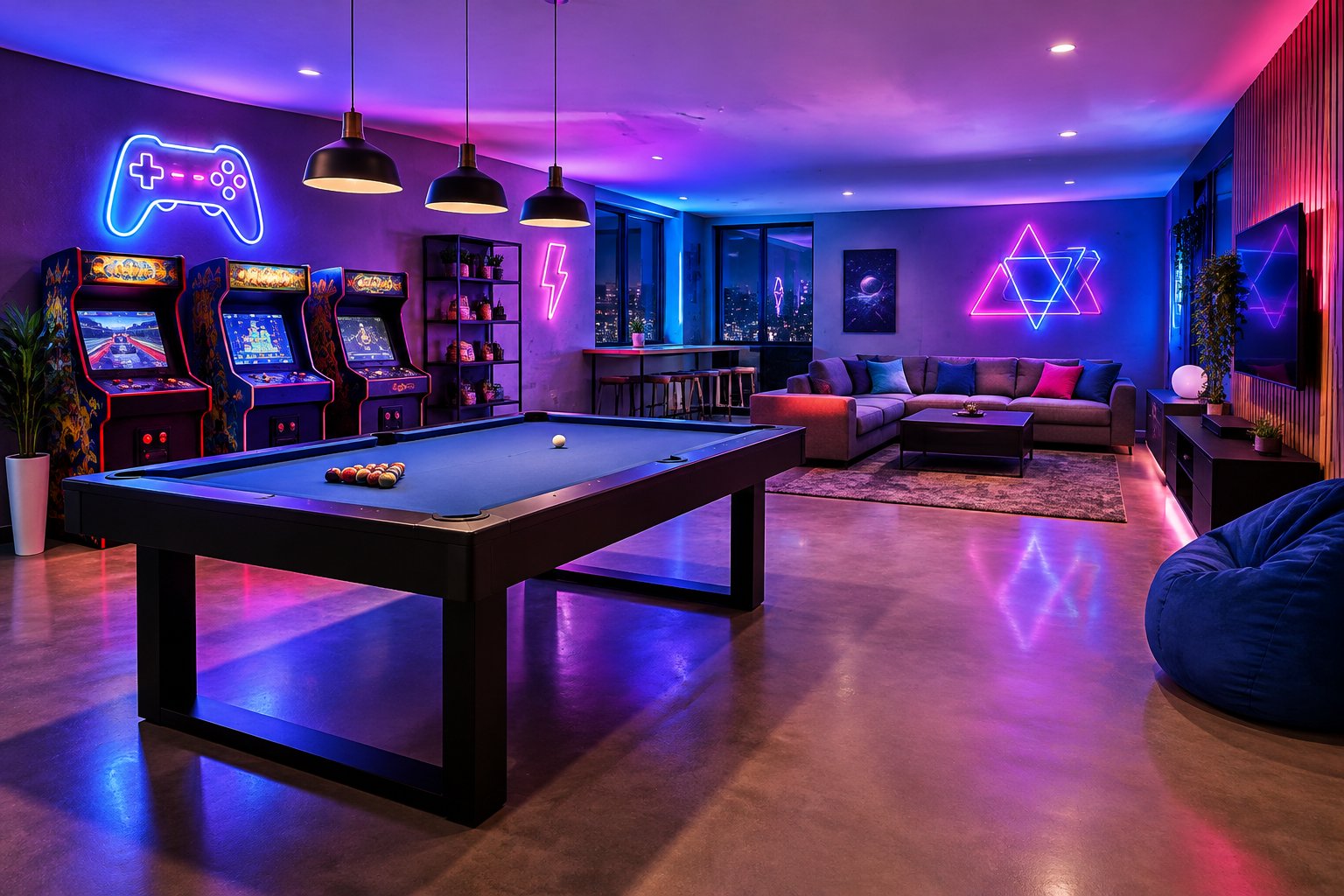
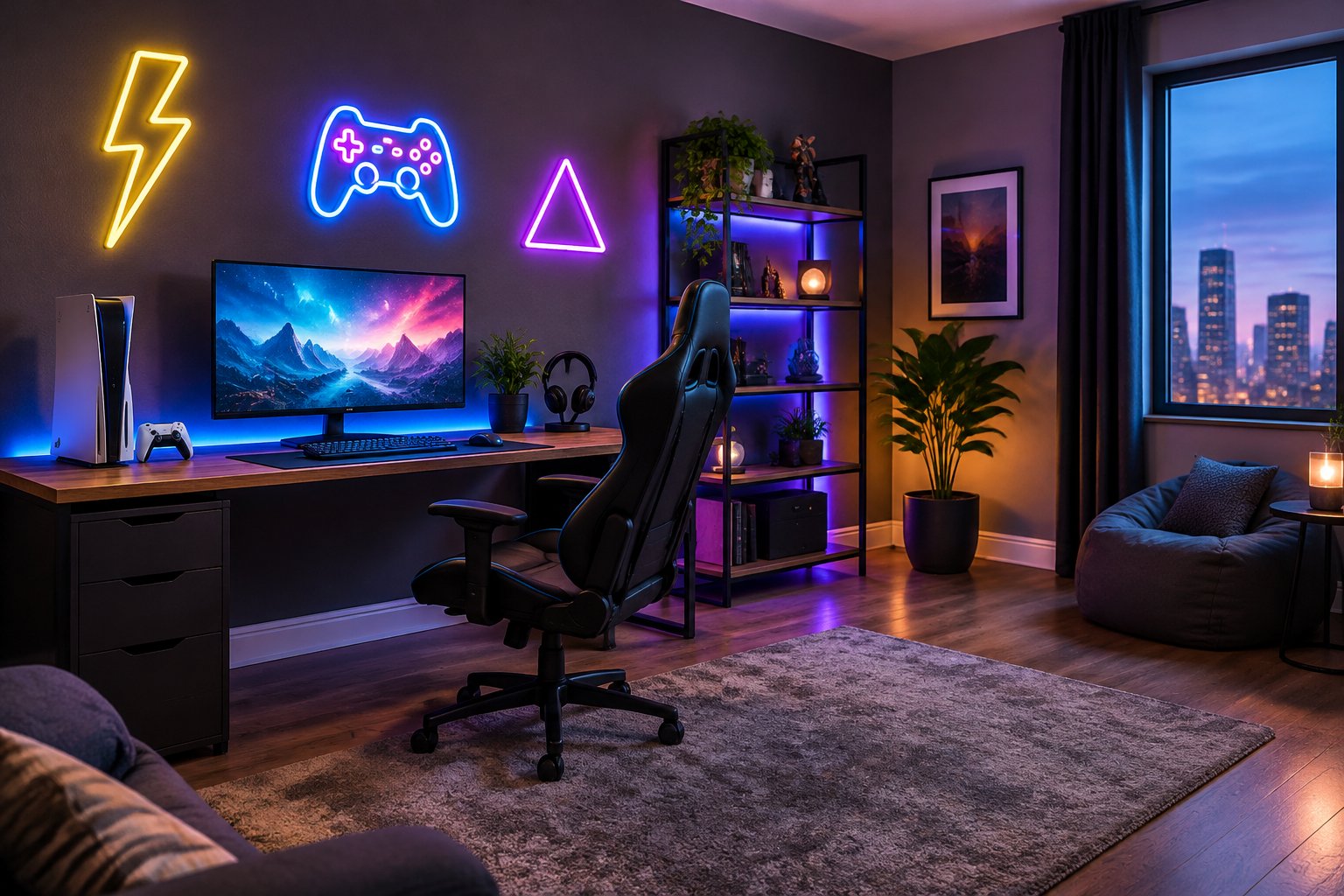
Game room neon signs do more than fill an empty wall. They set the gaming atmosphere the moment you switch them on, frame your setup on camera, and turn a spare room or basement corner into a space that feels like yours. For most gamers in Canada, the best choice is a custom LED neon sign with your gamertag, logo, or favourite icon. Size it to your wall, choose RGB or dimmable lighting, and mount it on cut-to-shape acrylic so it reads cleanly without glare on your screens.
At GlowX, we build made-to-order LED neon for bedrooms, basements, streaming corners, and full entertainment spaces across Canada. Once you know a few decisions in advance (design, size, colour, placement, and power route), you can order a sign that fits your setup the first time.
If you already have an idea, send it to info@glowx.ca. We’ll return a free mockup and quote so you can see your sign before anything is made.
Which Designs Suit Your Gaming Style?
The strongest gaming neon signs reflect how you play. A competitive PC player, a retro collector, and a family game room each call for a different design. Start with the role the sign plays in your space, then choose the visual style.
| Gaming style | Design ideas | Why it works |
|---|---|---|
| Console or PC | Controller neon sign, headset outline, “Game On” neon sign | Simple, recognisable shapes read well from your chair |
| Retro and arcade | Arcade neon sign, joystick, pixel hearts, “Insert Coin” | Bold strokes suit classic arcade colours |
| Streamer or creator | Gamertag, channel logo, clan tag | Builds a recognisable background on camera |
| Family or social room | Room name, surname, “Player 1 / Player 2” | Feels personal for shared spaces |
| Tabletop and billiards | Dice, pool balls, “Game Night” | Fits basements with mixed activities |
Personal designs beat generic stock signs
Mass-market listings on Amazon or Etsy give you the same “Game Over” sign everyone else owns. A custom neon sign for a gamer can include a handle, a team logo, or an inside joke from your squad. Our Custom Signs collection covers wording, names, symbols, and artwork, and Wall Art Signs include designs made for gaming setups.
Keep artwork readable
For logos, send a vector file (AI, EPS, SVG, or PDF). Fine lettering, gradients, and intricate pixel detail sometimes need simplifying so each stroke of tubing stays clear. Among our most useful custom neon sign ideas: pair one bold icon with a short word, such as a controller with your tag underneath.
How Do You Choose the Right Size, Colour, and Lighting?
Choose size from your wall and viewing distance, colour from the rest of your gaming setup, and lighting from how you use the room. Measure first, then pick the finish.
Size
| Size | Dimensions | Best placement in a game room |
|---|---|---|
| Small | 12–16 in / 30–40 cm | Desk shelf or monitor riser accent |
| Medium | 20–24 in / 50–60 cm | Wall behind a single-monitor desk |
| Large | 28–36 in / 70–90 cm | Above a dual-monitor desk or couch |
| XL | 40 in+ / 100 cm+ | Feature wall in a basement or lounge |
Tape the full outline on the wall, including the backing, and check it from your chair and the doorway. Custom dimensions are available if a standard size doesn’t fit between shelves or speakers.
Colour
Our listed tube colours include Ice Blue, Purple, Pink, Red, Green, and Natural White. Match the sign to your peripherals’ RGB theme, or let it contrast with the room. A white silicone jacket gives a softer look when the sign is off. A coloured jacket shows its colour even unlit.
Lighting and backing
- Static single or multicolour: fixed shades, best for clean branding.
- RGB 7 colour: a custom neon sign with remote that cycles colours or holds one shade.
- RGB full gradient: more than 16 million colours with app and remote control, plus scene modes.
Custom neon signs that use RGB pair well with synced keyboard and mouse lighting. Every sign ships with a dimmer or remote, so custom neon signs stay dimmable for late sessions. For backing, custom neon sign acrylic cut to shape keeps the board nearly invisible, and a black finish disappears on dark walls.
Where Should You Place Your Sign for Gaming and Streaming?
Place the sign where you and your camera can both see it, and keep it out of your direct sightline to the monitor. In most gaming rooms, that means the wall behind your chair for streaming, or above and beside the desk for personal ambience.
For a streaming setup
- Frame the sign in the upper third of your webcam shot, slightly off-centre, so your face stays the focal point.
- Leave 30–60 cm between your head and the sign to avoid a halo effect.
- Dim the sign on camera; a full-brightness tube often blows out on webcams.
- Test your streaming background with your normal key light on before mounting.
Custom neon signs for streamers work best with short text or a logo, since viewers on phones see a small frame.
For play and entertainment spaces
Above a dual-monitor desk, keep the sign high enough that it doesn’t reflect on glossy screens. In an entertainment space with a TV, avoid hanging directly beside the screen, where glow competes with the picture. Basement walls behind a couch, bar, or pool table work well as custom neon signs for wall decor.
Plan the cable route to an outlet before you choose the spot, and keep cords out of walkways and away from chair wheels.
How Do You Install and Care for an LED Neon Sign?
Installing LED neon signs is a simple DIY job: test the sign, mount it level with fixings suited to your wall, and route the cord neatly to an outlet. Every GlowX sign ships with a power adapter, dimmer or remote, hanging hardware, and instructions.
How to hang a custom neon sign
- Unpack carefully, inspect for damage, and test the sign before mounting.
- Hold the sign in position and mark the pre-drilled holes with a pencil and level.
- Use anchors suited to your wall: drywall anchors for drywall, masonry plugs for concrete or brick basements.
- Fix the standoffs or screws, mount the sign, and check it’s level.
- Route the cable with clips or a raceway to the outlet.
Hanging or freestanding display is available depending on the design, which suits renters who prefer to avoid drilling.
Power and safety
Each custom neon sign plugs in to a standard outlet through its adapter. Leave airflow around the adapter, and don’t cover it with rugs or furniture. Use a licensed electrician for any hardwired custom neon sign installation in Ontario.
Care
Switch off and unplug before cleaning. Wipe with a soft, dry or slightly damp cloth, and avoid ammonia, alcohol, and abrasives on the acrylic. Never bend or twist the tubing. If you move rooms, keep the original box and store the sign flat.
What Does a Custom Sign Cost, and How Do You Order?
The cost of custom neon signs depends on size, wording, artwork complexity, colours, lighting features, backing, and mounting. Shipping and taxes also affect the total. Website prices are starting prices, so the exact figure comes in your custom neon sign quote.
| Factor | Effect on price |
|---|---|
| Size | Larger signs use more tubing and acrylic |
| Detail | Complex logos take more work than short text |
| Lighting | RGB and full gradient cost more than static |
| Backing | Engraved or decorative shapes add cost |
| Outdoor use | Waterproofing adds cost (rare for game rooms) |
How to order a custom neon sign
- Submit your idea: wording or artwork, approximate dimensions, colours, location, and deadline.
- Get a free mockup and quote: our process page states these arrive within 24 hours.
- Review and approve: check spelling, font, colours, size, and backing. Production starts only after you approve the design and price.
- Production: 10 to 12 days after approval, followed by tracked shipping.
A custom neon sign with preview removes the guesswork, since you see the design before paying for production. An advance payment may be requested at checkout, but it doesn’t authorise production on its own.
We ship custom neon signs across Canada, including Toronto, Calgary, Vancouver, and Montreal, plus worldwide. For gift deadlines, add transit time to the production window.
Make Your Gaming Space Your Own with GlowX
A well-planned custom neon sign for a game room comes from a handful of clear decisions. Pick a design that matches your style, size it to your wall, and choose RGB or static lighting with dimming. Place it where it frames your camera without glaring on your screens.
Custom neon signs for a room work best when they reflect the person using the space, whether that’s a gamertag, a clan logo, or a retro arcade icon. To start, email your idea and measurements to info@glowx.ca, or browse our Custom Signs. Approve your free mockup, and production begins within the 10-to-12-day window.
Related reading
customize your own sign · neon signs at night · neon signs bedroom · neon signs for business · neon signs cost
Neon Signs Depot vs. GlowX: 2026 Buying Guide
Neon Signs Dunelm: Designs, Prices and Custom Options 2026
Neon Signs Decor: Room Ideas and Custom Design Tips
Neon Signs Guy: Find the Right Custom Sign Maker
Neon Signs Garage: Custom Ideas and Buying Guide
Neon Signs for Classroom: Ideas, Design, and Setup
Neon Signs for Home: Room Ideas and Custom Design Tips
Neon Signs Edmonton Alberta: Custom LED Buying Guide
Neon Signs at Night: Design, Display, and Photo Tips