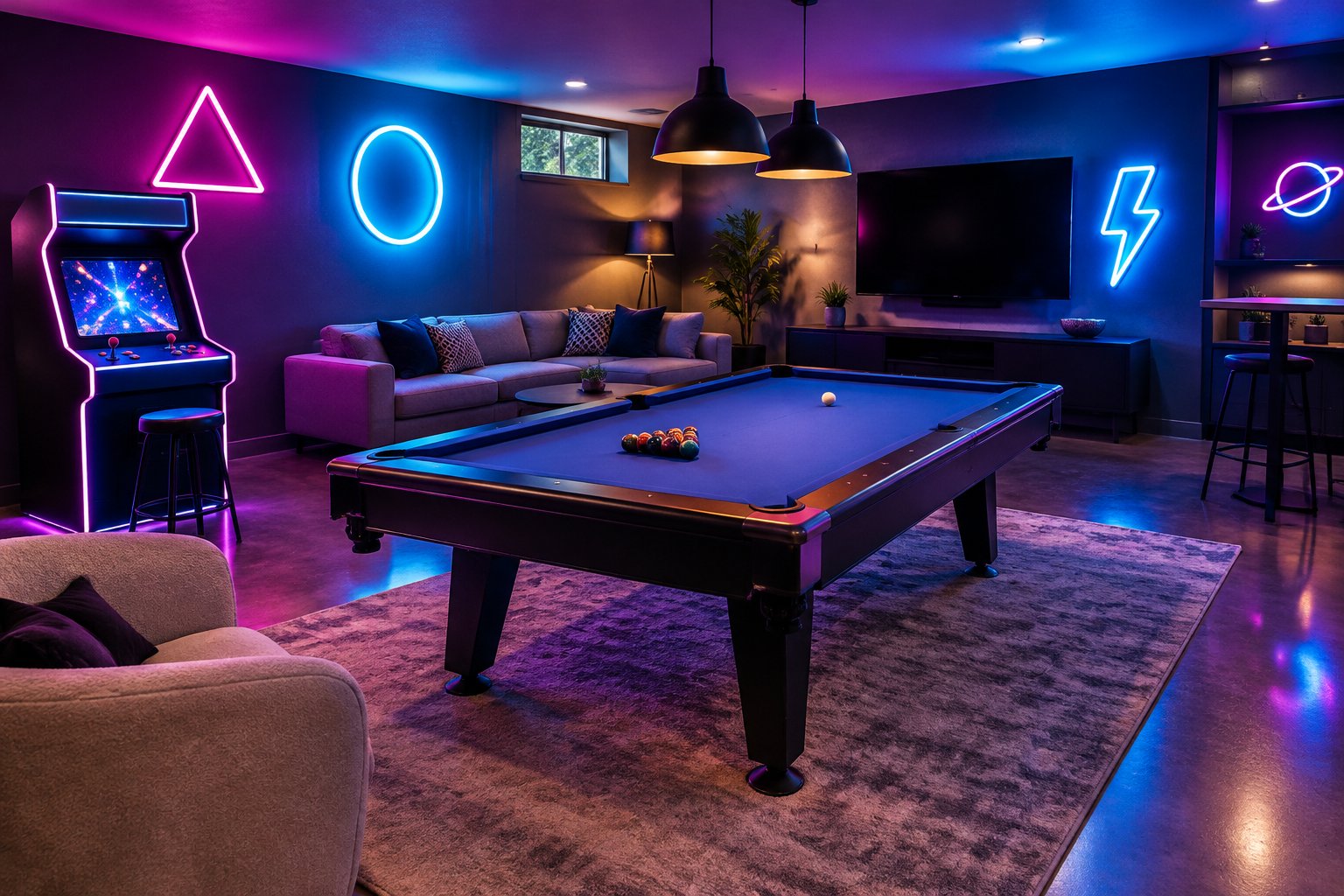
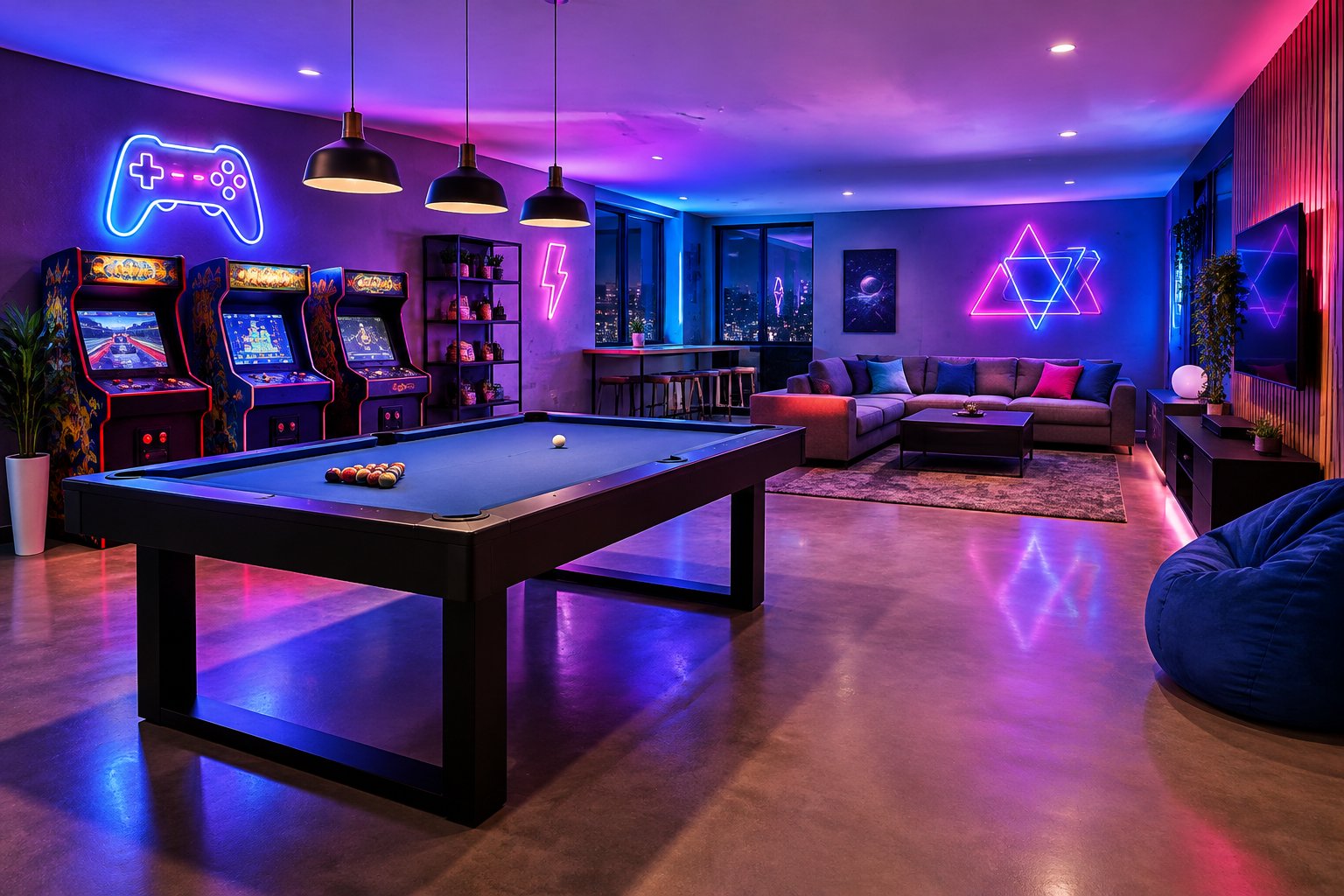
A custom LED neon sign gives a game room a focal point that reflects who plays there: a gamertag, a squad name, an arcade-style phrase, or a controller icon glowing above the setup. It adds colour and mood to the gaming atmosphere and gives the space an identity that off-the-shelf posters can’t match.
For most players, the best choice among neon signs for game room setups is a medium (20–24 in / 50–60 cm) custom LED neon sign with RGB lighting, because that size reads clearly from the couch or gaming chair and RGB lets you match your monitor, keyboard, and LED strip colours. At GlowX, we build made-to-order LED neon across Canada, from Toronto basements to streaming corners in Vancouver and Calgary, and ship worldwide.
LED neon runs cooler and weighs less than glass, which suits a room where signs sit close to screens and hang behind your chair. If you already have a phrase, gamertag, or logo in mind, you can send it our way for a free mockup and see it on your wall before anything is made.
Which Sign Design Fits Your Gaming Style?
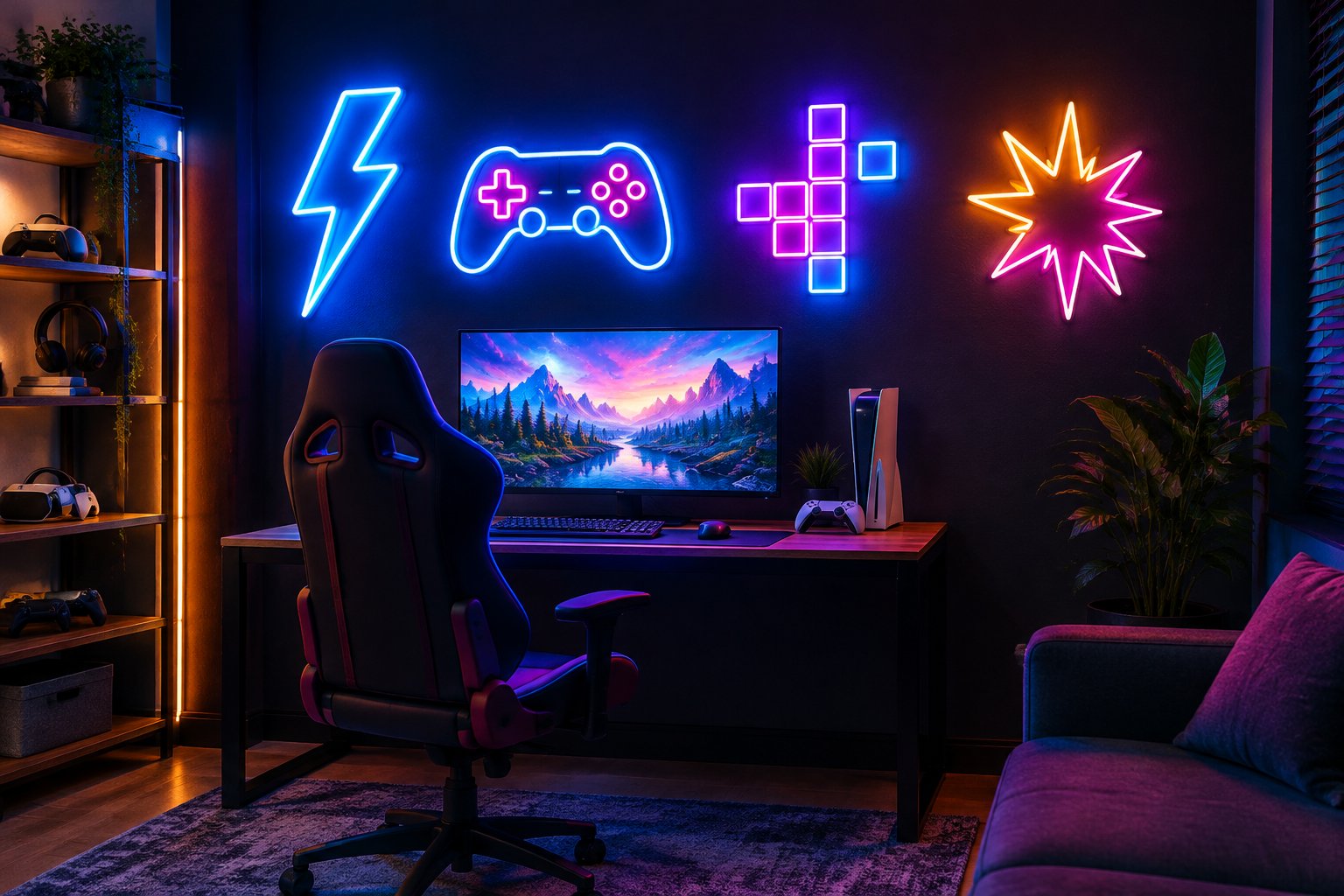
The best game room neon signs match how you play: competitive players lean toward gamertags and logos, while social game rooms suit phrases and retro icons. Here are the designs we see work well:
- Gamertag neon sign: your handle in a bold font. It’s the most personal option and doubles as on-camera branding for Twitch or YouTube streams.
- Game On neon sign: a classic phrase for a shared family room or basement lounge.
- Arcade neon sign: retro lettering, pixel shapes, or a “Player 1” motif pairs well with cabinets, pinball, and pool tables.
- Controller neon sign: a gamepad outline works without words, so it fits mixed console and PC setups.
- Clan or channel logo: gaming neon signs built from your logo file give a squad or streaming brand a recognisable backdrop.
A few practical design notes from our mockup reviews:
- Short words glow cleaner. Handles over 12 characters often need two lines or a larger sign.
- Script fonts look elegant but can blur on camera; block or rounded fonts stay legible in streams.
- Detailed logos may need simplifying. Vector files (AI, EPS, SVG, or PDF) help us keep lines crisp.
For more room-by-room inspiration, our neon sign decor ideas guide covers gaming setups alongside bedrooms and home bars.
How Do You Choose the Right Size, Colour, and Lighting?
Pick size by viewing distance, colour by your existing setup lighting, and lighting mode by whether you want one look or many. Start with this guide:
| Size | Dimensions | Best spot in a gaming room |
|---|---|---|
| Small | 12–16 in / 30–40 cm | Desk shelf or monitor riser |
| Medium | 20–24 in / 50–60 cm | Wall behind a single gaming setup |
| Large | 28–36 in / 70–90 cm | Statement wall above a couch or pool table |
| XL | 40 in+ / 100 cm+ | Basement feature wall or event space |
Tape the full outline on the wall, including backing, then check it from your chair and the doorway. Custom dimensions are available if your wall sits between standard sizes.
Colour: Ice Blue, Purple, Pink, and Red suit most gaming aesthetics. Mixing fixed colours between words (for example, a purple handle with a blue tagline) adds contrast without RGB.
Lighting modes:
- Static single colour for a clean, consistent look.
- RGB 7 colour with remote-controlled cycling or a fixed shade.
- RGB full gradient with more than 16 million colours, app and remote control, and scene modes, ideal for syncing with game-day moods.
Every custom neon sign ships with a dimmer or remote, so you can lower brightness during long sessions or when the camera picks up glare.
Where Should You Place and Mount Your Sign?
Behind and slightly above your gaming setup is the strongest placement, because the sign frames you on camera without reflecting off your monitor. Signs placed directly opposite a screen bounce glare into your eyeline, especially glossy panels.
Placement tips by room type:
- Streaming setup: centre the sign in your webcam frame, roughly at head height or just above. Test with your camera on before drilling.
- Couch-based game room: mount above the TV or on the side wall so the sign is visible without competing with the screen.
- Arcade or pool table area: a large sign on the feature wall gives the space a focal point that photographs well.
Mounting options include wall-mounted, suspended, or freestanding display. A freestanding sign on a shelf works well for renters who want to avoid holes.
Plan the cable route before mounting. Signs plug into a standard outlet through a power adapter, so check the cord reaches without stretching across walkways. Leave airflow around the adapter and keep it out from under rugs or furniture. Use fixings suited to your wall material, whether drywall, concrete, or brick.
How Much Does a Custom Gaming Sign Cost?
A custom neon sign’s price depends mainly on size and complexity, so the exact figure comes from a quote built around your design. Our website prices are starting prices; the final cost reflects your specific build.
Factors that move the price:
- Size: larger signs use more tubing and acrylic.
- Artwork complexity: a detailed logo costs more than a short gamertag neon sign.
- Colours and lighting: multicolour and RGB full gradient add to the build.
- Backing: cut-to-shape, rectangular, decorative, or engraved acrylic.
- Outdoor protection: waterproof builds for patios or exposed spots.
- Shipping and taxes: these depend on your destination.
To keep costs in check, shorten the wording, choose a single static colour, or drop one size. A medium sign with a short handle is often the sweet spot between impact and budget. International buyers should also budget for any customs duties or import fees, which are the buyer’s responsibility unless agreed otherwise in writing.
How Do You Order a Custom Sign From GlowX?
Ordering takes six steps, and production only begins once you approve the design and price:
- Submit your idea. Send your wording or logo, approximate dimensions, colours, location, and deadline to info@glowx.ca or through our Custom Signs page.
- Get a free mockup and quote. Our process page states a visual mockup and exact price are sent within 24 hours.
- Review and approve. Check spelling, font, line breaks, colours, size, and backing. Gamertags with unusual capitalisation or numbers deserve a second look.
- Production. Your sign is built and quality-checked in 10 to 12 days after approval.
- Shipping. Tracking details are emailed when it ships; transit time is additional.
- Install. Every sign includes a power adapter, dimmer or remote, hanging hardware, and instructions.
If the sign is a gift for a birthday or the holidays, share your date at the start so there’s time for revisions and delivery. Browse our Wall Art Signs for ready gaming neon signs ideas.
Bring Your Gaming Identity to Life
A game room neon sign works best when it’s sized for your viewing distance, coloured to match your setup, and mounted behind you, away from screen glare. A medium RGB sign suits most rooms, while gamertags and logos give streamers a recognisable backdrop.
Measure your wall, decide on your wording or logo file, and note your deadline. Send those details for a free mockup, approve the design, and your sign ships 10 to 12 days after approval plus transit to set your gaming atmosphere.
Related reading: customize your own sign, neon signs examples, neon signs aesthetic, neon sign gift ideas.
Neon Signs Depot vs. GlowX: 2026 Buying Guide
Neon Signs Dunelm: Designs, Prices and Custom Options 2026
Neon Signs Decor: Room Ideas and Custom Design Tips
Neon Signs Guy: Find the Right Custom Sign Maker
Neon Signs Garage: Custom Ideas and Buying Guide
Neon Signs Game Room: Custom Design and Setup Guide
Neon Signs for Classroom: Ideas, Design, and Setup
Neon Signs for Home: Room Ideas and Custom Design Tips
Neon Signs Edmonton Alberta: Custom LED Buying Guide